
Bottango Control Boards
Microcontroller Choice
This page is an abbreviated version of Supported Microcontrollers in the Hardware Drivers section. For more details, visit that page.
Bottango Control Boards
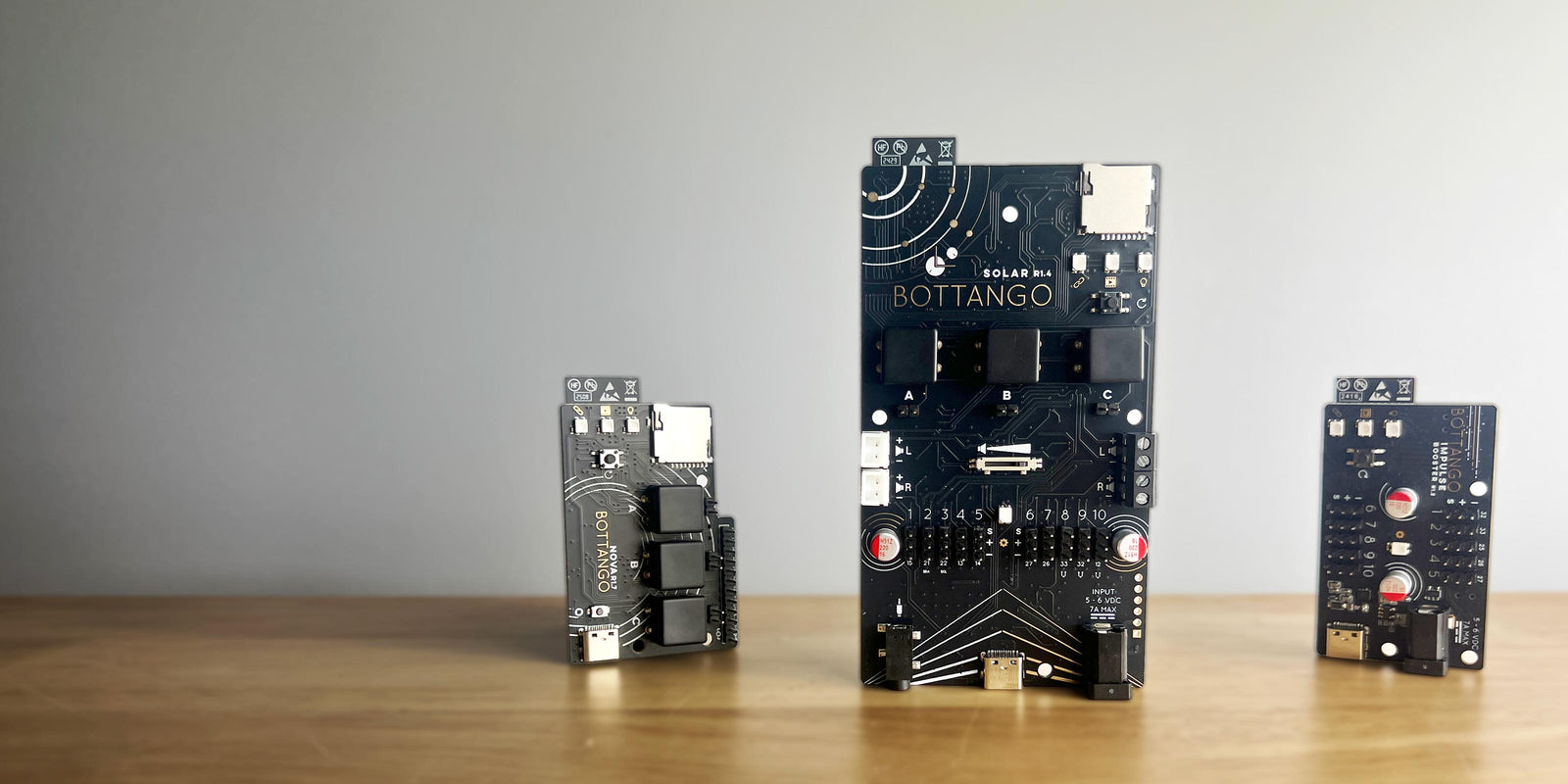
Section titled “Bottango Control Boards”Bottango offers a line of ready-to-go control boards, based on the powerful ESP32 microcontroller that give you all the most advanced Bottango features out of the box. They aren’t a requirement because Bottango’s open source Arduino compatible C++ driver means that anything that can run Arduino code likely works with the Bottango ecosystem. However, Bottango’s control boards are a powerful way to get building quickly, and to use hardware purpose built and optimized for Bottango. Bottango control boards come with the firmware pre-installed, and can be updated in the app rather than requiring the source code.
Go To for Beginners To Build Themselves
Section titled “Go To for Beginners To Build Themselves”If you’re just starting out with Bottango and want to build your own control hardware, the easiest microcontroller to get started with is an Arduino Uno R3 (or equivalent). This is the workhorse of the maker community, can be easily found, and is often an affordable option.
Bottango’s firmware will run without any code changes on an Uno R3. You can flash your microcontroller directly from the desktop app, and you can get started pretty quickly.
However, an Arduino Uno R3 has very limited RAM and storage, so it does have some limitations when used with Bottango.
- You can only control up to 8 servos with an Arduino Uno R3 and Bottango (and only 5 if you’re using a PCA9685 Servo Driver).
- Exporting animations to standalone playback on an Arduino Uno R3 without a computer is mostly not possible unless you have VERY small and short animations.
- Stepper motors are not recommended with an Arduino Uno R3 + Bottango.
If you run into the limitations of an Uno R3, but don’t want to dip your toes into more powerful boards, an Arduino Mega can control up to 16 servos, has more (but not a lot more) space to store exported animations, and uses mostly the same steps to get started with Bottango. A Mega, though, is much larger and usually a bit more expensive.
Advanced Option For Build Yourself
Section titled “Advanced Option For Build Yourself”Most things an Arduino Uno R3 can do, an ESP32 can do a lot better. With an ESP32-based dev board, you can control a LOT more effectors, have plenty of room for storing animations, and unlock extra functionality like wireless connectivity, storing animations on SD cards (with the required additional hardware), etc.
An ESP32-based board is the usual go-to recommendation for anyone that wants to build their own hardware and move beyond the basics of an Arduino Uno R3 with Bottango.
The downside is that an ESP32 is more of an ecosystem than a specific product (besides the Bottango control boards above). You’ll need to find a compatible dev board, and understand what is unique about the one you chose. You’ll also need to do more setup work, as shown in this FAQ.
What Are All the Options?
Section titled “What Are All the Options?”It’s impossible to list every possible microcontroller development board you could use with Bottango. The open-source Bottango firmware is built around the Arduino framework, so if it can run C++ Arduino code, it’s very possible it works with Bottango.
Some other popular advanced options that have been used successfully in the community include:
- Teensy based dev boards
- Arduino Uno R4
- Advanced Arduino branded boards like the MKR series, or Zero
- ARM Cortex based microcontrollers
- ESP8266 and more recent ESP32 such as ESP32-S3