
Firmware Overview
Bottango control boards use the same open-source firmware used by Bottango users to connect their own custom hardware with the Bottango application.
We’ll provide an overview of what you can do by modifying the firmware, as well as how to modify the stock open-source firmware to use the special features of Bottango control boards.
The examples here show how to modify the firmware to use the status light(s) for your own use cases and how to create your own exported-animation triggering logic. Because the firmware is open source, you can change it as much as your technical ability allows for your own unique use cases.
Beyond the examples here, you can learn more about the full set of Bottango firmware functionality, and how to modify it, in the Bottango firmware guide.
Though the firmware is provided open source, you are responsible for the changes you make. It’s possible to make firmware changes that may damage the control boards. Make changes only when you understand the implications, and be prepared to troubleshoot your own modifications.
Handling Version Updates
Section titled “Handling Version Updates”When the Bottango application updates, there’s often an updated matching version of the firmware to install on your control boards as well. You do not need to compile and use the source code to update your boards. Bottango provides all the tools you need to update the firmware of the boards in just a few clicks in the Bottango application with the correct firmware version highlighted for your board.
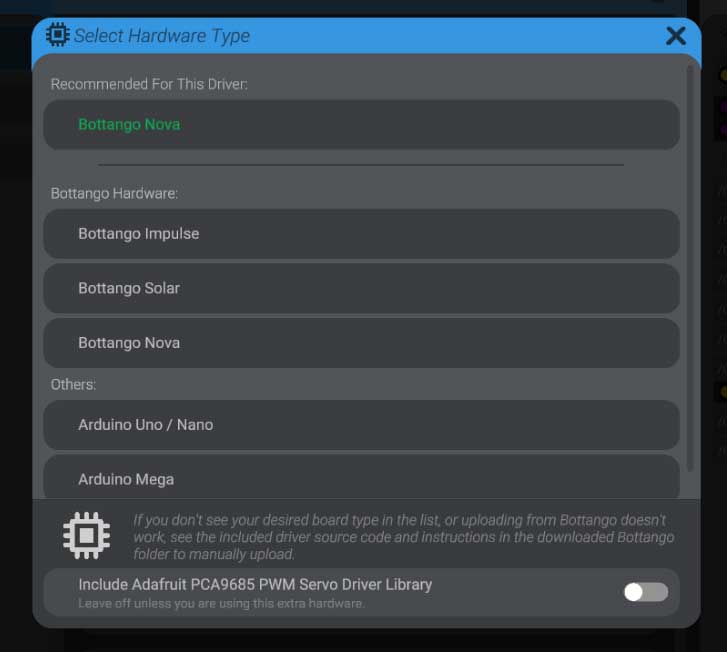
However, if you’ve made custom changes to the firmware, the version you flash onto the control boards from the Bottango application will not have your custom changes. You will need to migrate your changes into the updated source code and re-upload using the content of this guide.