
Status Lights
Each Bottango control board has a number of status lights to help troubleshoot issues and identify its current status.
Servo / Speaker Power Status
Section titled “Servo / Speaker Power Status”Bottango Solar and Bottango Nova have a barrel jack DC power input for powering servos (and speakers on Bottango Solar). The status light is in the center of each board, near the servo headers. When power is not plugged in or functioning, the light is off. When DC power is plugged in AND the control board is also powered, the servo/speaker power light will pulse.

Connection / Data / User Status
Section titled “Connection / Data / User Status”At the top of all boards are three lights.
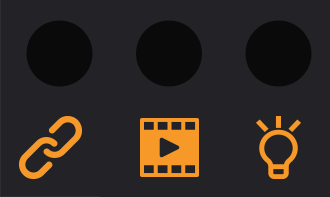
- The first light, with a “link” icon, shows the status and type of the board’s connection to its data source.
- The second light with a “movie clip” icon shows the status of the data input into the board.
- The third light with a “light bulb” icon is unused as a status light for troubleshooting. Instead it can be used for your own use cases. See the page on using the status lights in the section on customizing the firmware for more details.
Default USB Connection
Section titled “Default USB Connection”In each board’s default state, it looks for a connection over USB to the desktop Bottango application. While waiting for that connection, the connection light will pulse yellow quickly twice, then fade back down slowly.
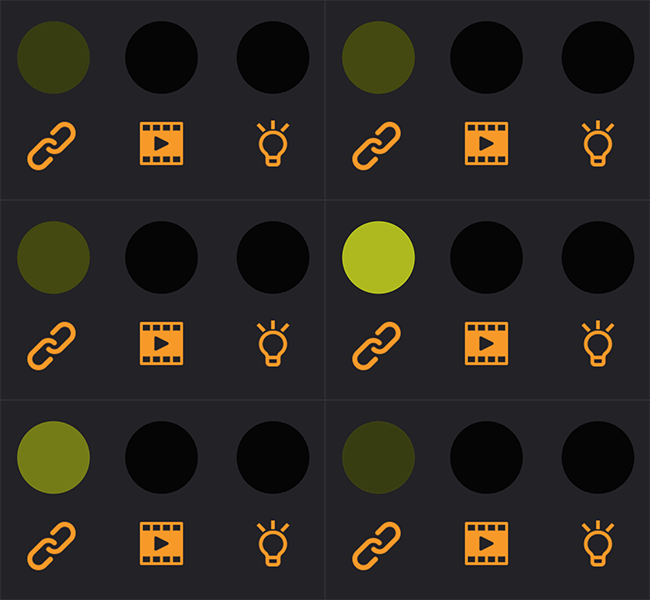
Once connected, the connection light will pulse green on and off slowly. As well, each time data or commands are received from the computer, the “data” light will quickly pulse white.
Audio Playback SD Card Error
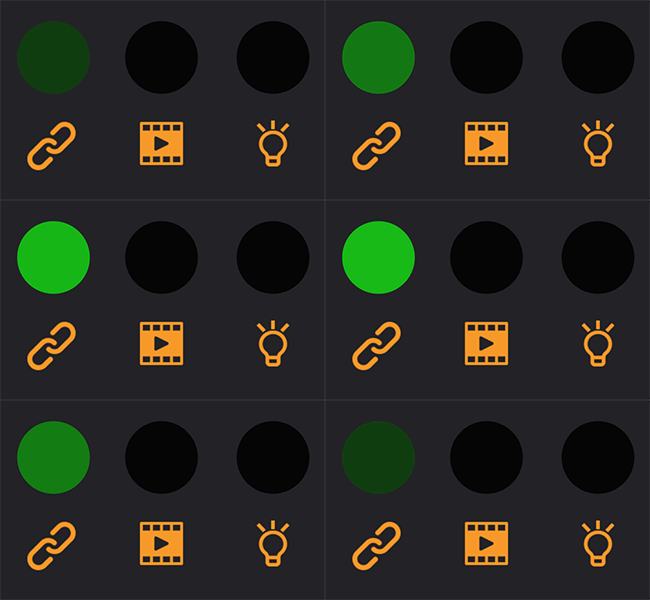
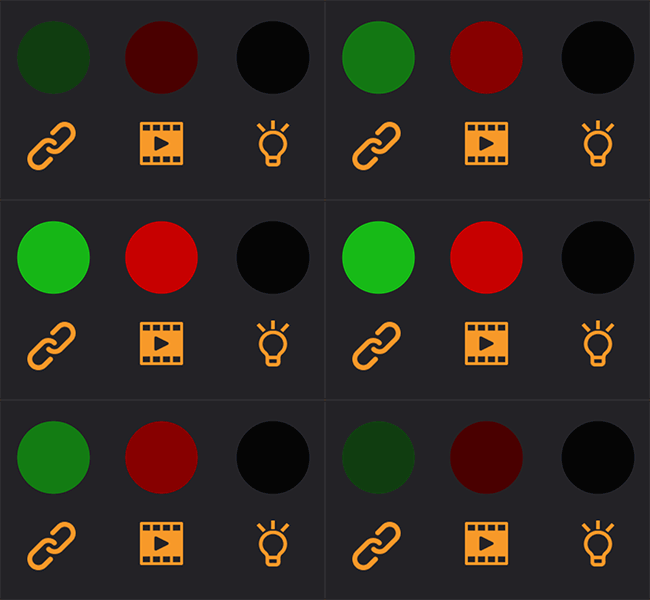
Section titled “Audio Playback SD Card Error”If you are attempting to play audio on your Bottango Solar, and the board doesn’t see the SD card or the SD card is missing the required audio file, the data light will glow red. This is true in wireless mode as well, just with a different color light on the connection light.
Wireless Connection
Section titled “Wireless Connection”Once set up to connect wirelessly to a wireless bridge, a peer will flash a blue light instead of a yellow light on the connection light until it is connected.
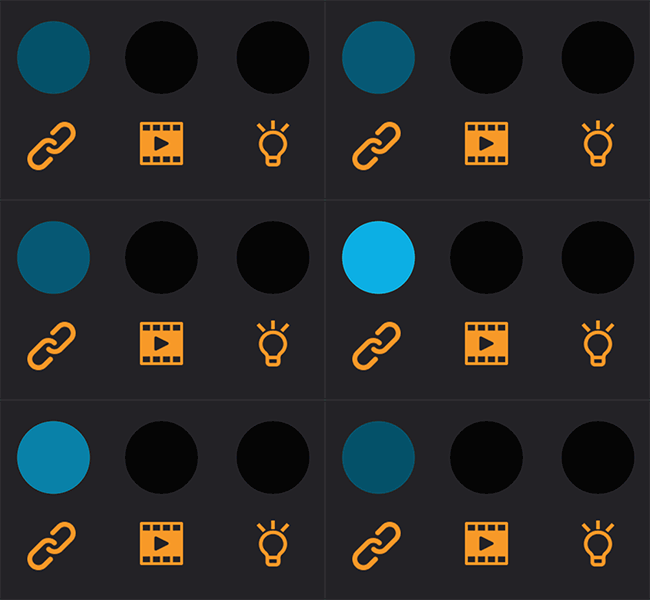
Once connected wirelessly, the connection light will pulse green on and off slowly, the same as a USB connection. The data light behaves the same as well.
Playing Exported Animations
Section titled “Playing Exported Animations”When switched to playing exported animations, the connection light will glow purple.
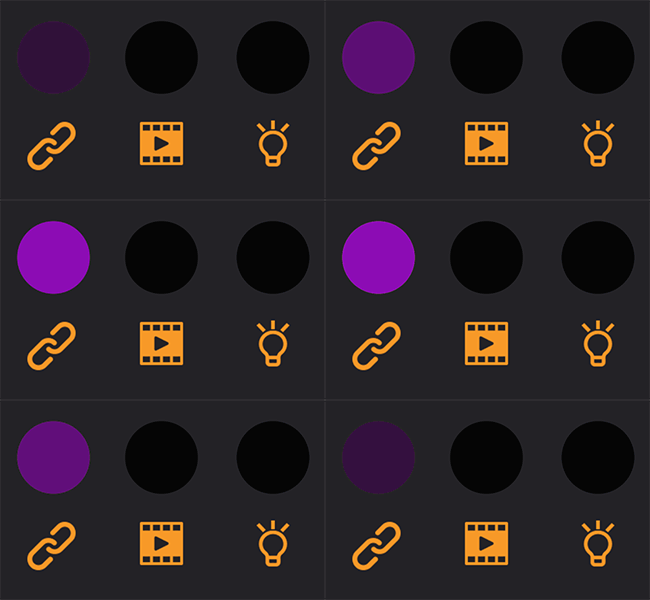
When an exported animation is currently being played, the data light will glow purple as well, and flash white as exported animation commands are executed.
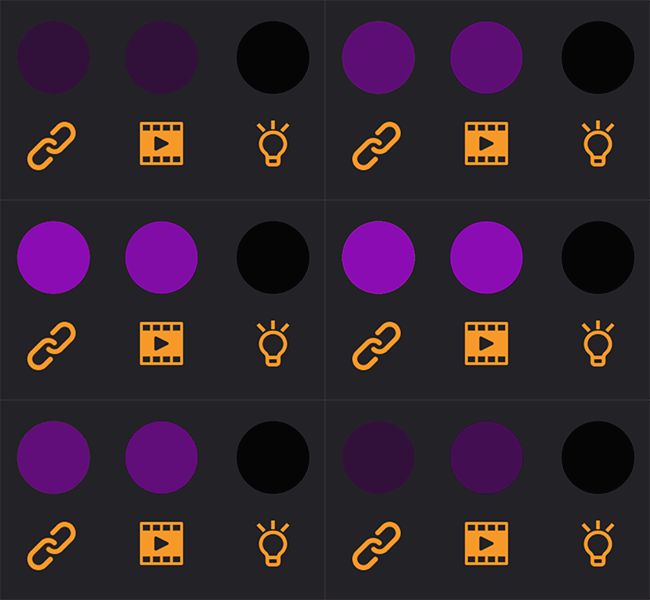
If in exported animation mode, but there is a problem reading the SD card or finding an expected animation file on the SD card, the data light will glow red.
System Error
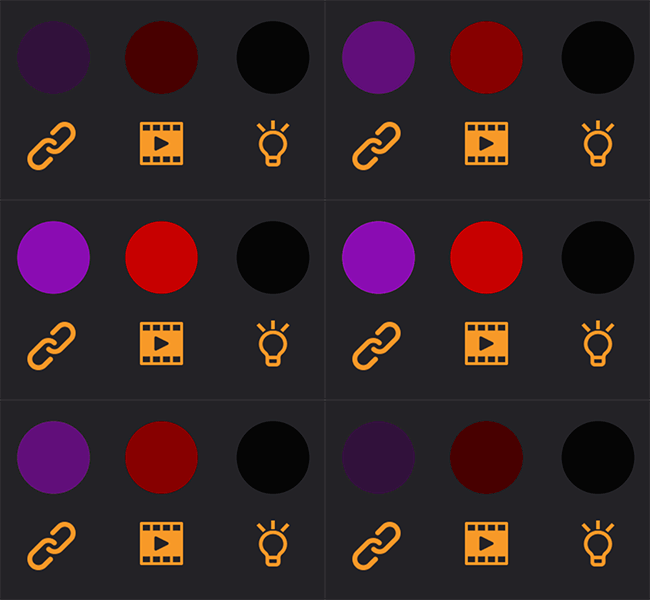
Section titled “System Error”If the board is unable to complete its startup process, the first two lights will stay red. This usually only happens if there is a crash in your custom modifications to the firmware during the startup process. If you see this happen otherwise, reach out to Bottango support.